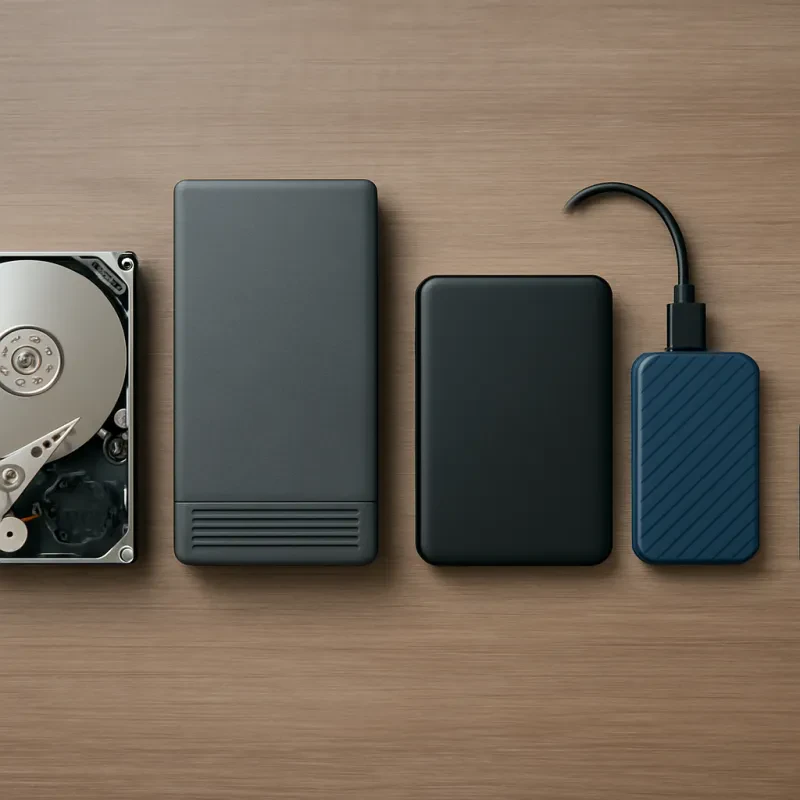
Starting with NAS (Network Attached Storage) can feel a bit overwhelming, but it doesn’t have to be. The important thing to remember is that NAS setups are designed to make your life easier, especially when it comes to storing and sharing files across multiple devices. Whether you're a home user looking to back up photos or a small business needing to store large files, this NAS disk storage setup guide will get you on the right track.
First off, pick the right device for your needs. Start by figuring out how much storage space you’ll require. If you only have a few files to store, a simpler unit will do just fine. But, if you’re planning to save videos, photos, and documents in bulk, you’ll want something with a larger capacity. Brands like Synology, QNAP, and Western Digital offer a range of options suitable for both casual users and pros.
Next, set up your NAS on your network. It usually involves plugging the device into your router and powering it up. Most units come with easy-to-follow instructions and setup wizards that guide you through the process. You can connect via a smartphone or a computer, making it super simple, even if you’re not a tech wizard.
After that, configure your storage settings. This NAS disk storage setup guide highlights key features like RAID configurations. RAID boosts your data security and performance. You can choose setups like RAID 1 for mirroring or RAID 5 for both redundancy and speed. It's worth taking a moment to understand these options, as they can save you from future headaches.
Lastly, remember to explore software features once everything's set up. Many NAS devices come with apps for file backup, media streaming, and even remote access. You’ll want to take full advantage of these to enhance your experience. With everything running smoothly, you’ll enjoy easy access to your files anytime, anywhere.
Choosing the Right Hard Drives
When diving into your NAS disk storage setup guide, picking the right hard drive is super important. You want something that can handle your needs without breaking the bank or leaving you in the lurch. Start by considering what you'll use your NAS for. Are you streaming movies, storing family photos, or maybe running a home server? Knowing your primary usage can help direct you to the right options.
Next, think about capacity. Do you need tons of space? Look for drives with larger storage options, like 6TB or 10TB. If you just need a little extra room, then 2TB or 4TB drives might do the trick. It’s a good idea to plan for growth. Technology keeps evolving, and you don't want to be caught running out of space down the line.
Don’t forget about speed! A drive's RPM (revolutions per minute) can impact how quickly you can access your files. Generally, 7200 RPM drives are faster than their 5400 RPM counterparts. If speed is crucial for your setup, aim for those 7200 RPM drives, especially if you’ll be accessing large files regularly.
Also, think about reliability. Look for drives designed specifically for NAS use. These tend to have features like better heat management and improved error recovery. They might cost a bit more, but they can save you from headaches later on. It’s worth investing in driving tools that you can trust, especially in a NAS disk storage setup guide.
Setting Up Your NAS Device
Next, power on the NAS and check if you need to install any drives. Most models require you to insert hard drives or SSDs to get started. Make sure to follow the manual for instructions on how to do this properly. If you’re unsure which drives to choose, going for a reliable brand that matches your needs is a smart move.
Once the drives are in, it’s time to configure your NAS through its web interface. You’ll usually do this by typing the NAS IP address into a web browser. The setup wizard will guide you through initial settings like RAID configuration and creating user accounts. This step is essential for ensuring your files are secure and easily accessible.
After you’ve set everything up, consider installing any apps or features that enhance your NAS experience. Plenty of NAS devices support media streaming, backup solutions, and even cloud syncing. Check your device’s app store to see what’s available. You’ll be surprised at how much you can do with your NAS once it's up and running, making your NAS disk storage setup guide a big help along the way.
Tips for Optimal Storage Performance
To get the best out of your NAS disk storage setup guide, here are some simple tips to keep in mind. First off, make sure you select the right hard drives. Look for NAS drives, which are built to handle the workload and are optimized for 24/7 operation. You'll want something that has great reliability and speed, so you can store and access your files without a hitch.
Next, think about your RAID configuration. Depending on your needs, you might opt for RAID 1 for redundancy or RAID 0 if you want to maximize performance. Each setup has its perks, so weigh them based on what you value more: speed or security of your data. Keep in mind that mixing different sizes or brands of drives can complicate things, so stick to matching drives for the best results.
Don't forget about your network setup. If your NAS is connected to a slow router, you could be limiting its performance. Invest in a good gigabit router, and consider using Ethernet cables instead of Wi-Fi for a stable and speedy connection. A well-connected NAS means smoother access to your files, especially if you’re streaming or sharing with multiple devices.
Lastly, regular maintenance is key. Check for firmware updates frequently to keep everything running smoothly. Regularly monitor your drives for any signs of failure. It’s much easier to replace a drive before it dies than to deal with data loss later. Keeping your NAS in good condition will ensure it performs well for years to come.